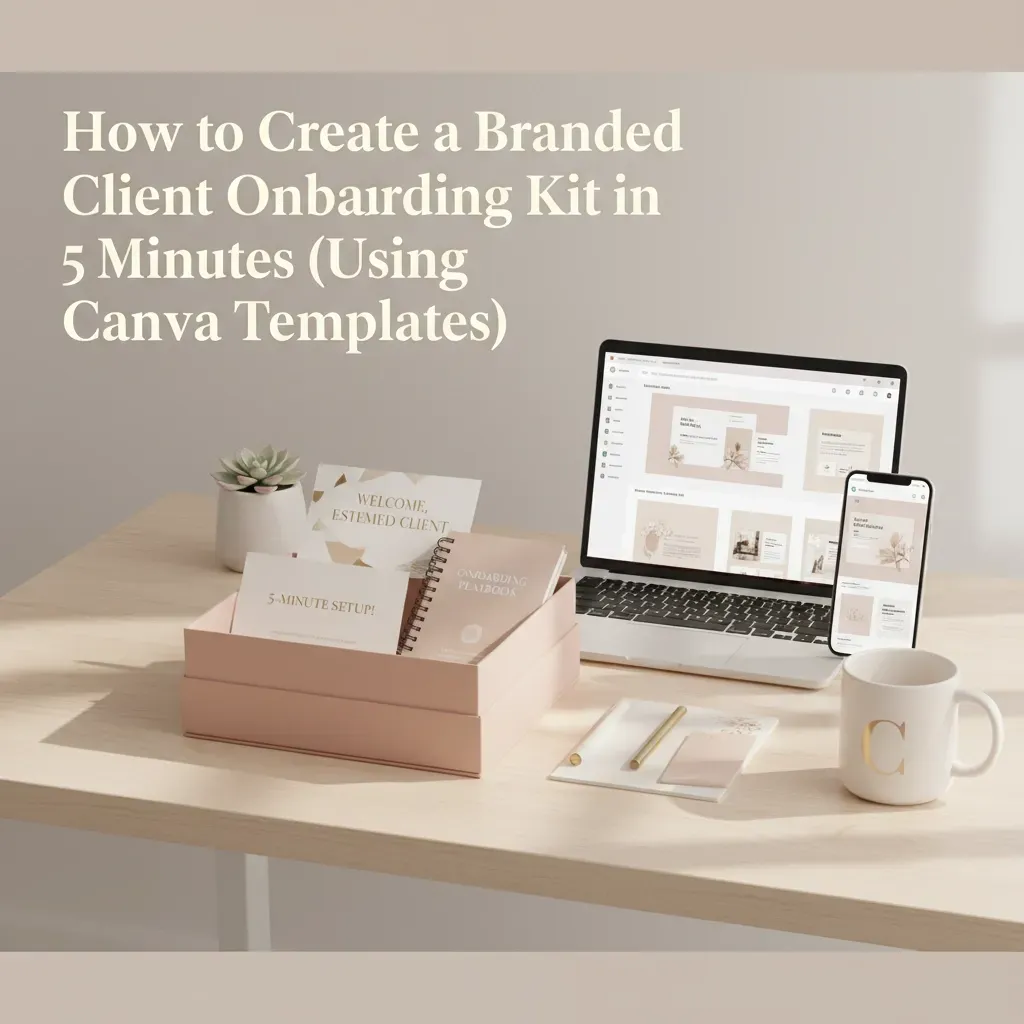
How to Create a Branded Client Onboarding Kit in 5 Minutes (Using Canva Templates)
How to Create a Branded Client Onboarding Kit in 5 Minutes (Using Canva Templates)

You know that feeling when you land a new client and suddenly realize you need to get them onboarded yesterday? We've all been there. The scramble to pull together information, the hastily written emails, and that nagging feeling that you're not making the best first impression.
Here's the thing: your client onboarding experience sets the tone for your entire working relationship. It's your chance to show up as the professional, organized, soul-led entrepreneur you are. And the best part? You can create a stunning, branded client onboarding kit in just 5 minutes using Canva templates.
No more stress, no more last-minute scrambling. Just a beautiful, intentional welcome experience that makes both you and your clients feel amazing.
Why Your Client Onboarding Kit Matters More Than You Think
Think about the last time you invested in something: maybe a course, a service, or even a subscription. How did that first interaction make you feel? Did you feel valued, organized, and excited about what was coming next? Or were you left wondering what you'd gotten yourself into?
Your onboarding kit isn't just paperwork. It's your client's first real glimpse into how you operate, how much you care about details, and how professional their experience is going to be. When you nail this part, you're already building trust, setting clear expectations, and creating that VIP feeling every client deserves.

Step 1: Set Up Your Canva Brand Kit (The Secret Sauce)
Before we dive into the template magic, you need to have your brand elements ready to go in Canva. This is what transforms a generic template into your branded masterpiece in seconds.
Here's what you'll need in your brand kit:
Your logo (uploaded and saved)
Your brand colors (the exact hex codes)
Your preferred fonts
Any brand photos or graphics you use regularly
If you haven't set this up yet, don't worry: it takes less than 5 minutes. Go to your Canva Brand Hub, upload your logo, add your color palette, and select your fonts. This one-time setup will save you hours down the road.
The 5-Minute Onboarding Kit Creation Process
Now for the fun part! Here's exactly how to create your professional client onboarding kit without breaking a sweat.
Minutes 1-2: Choose Your Template
Start with a comprehensive onboarding template that includes multiple pages. Look for templates that offer 8-15 pages with professional layouts designed for easy reading. The best ones come in landscape orientation so your clients can view them comfortably on their computers.
Professional templates typically include strategic copy prompts and examples for every section, which means you're not staring at blank pages wondering what to write. You'll have a clear roadmap to follow.

Minutes 3-4: Apply Your Branding
This is where your brand kit setup pays off big time. With just a few clicks, you can:
Apply your color palette across all pages
Swap in your logo
Update fonts to match your brand
Replace any background elements with your style
Since the layout and design are already professionally crafted, you're just customizing the visual elements. No design skills required: just your brand elements and a few strategic clicks.
Minute 5: Add Your Essential Content
Focus on the core information your clients need right away. Don't overthink this part: you can always create more detailed resources later. Your 5-minute onboarding kit should include:
Your Introduction: A warm welcome and brief introduction to you and your team
What to Expect: Clear timeline and process overview
Next Steps: Specific actions for your client to take
Contact Information: How and when to reach you
Quick Resources: Links to essential tools or platforms they'll need
What Makes an Onboarding Kit Actually Helpful
The difference between a good onboarding kit and a great one isn't length: it's intention. Your clients don't need a 50-page manual on day one. They need clarity, warmth, and confidence that they're in good hands.
Here's what to focus on:
Set Clear Expectations
Your clients hired you because they trust your expertise, but they still want to know what's happening when. Include a simple timeline or process overview that shows them exactly what comes next. This eliminates those "what's happening now?" emails and helps everyone stay aligned.
Share Your Why
This is where your soul-led approach really shines. Include a section about your mission, values, or why you love this work. It doesn't need to be long: just authentic. When clients understand your deeper purpose, they connect with you on a level that goes beyond the transaction.
Make It Actionable
Don't just welcome them: give them something specific to do. Maybe it's filling out a brief questionnaire, scheduling their first call, or accessing a client portal. Clear next steps help clients feel engaged and moving forward from day one.

Advanced Tips for Maximum Impact
Once you've got your 5-minute system down, here are some ways to make it even better:
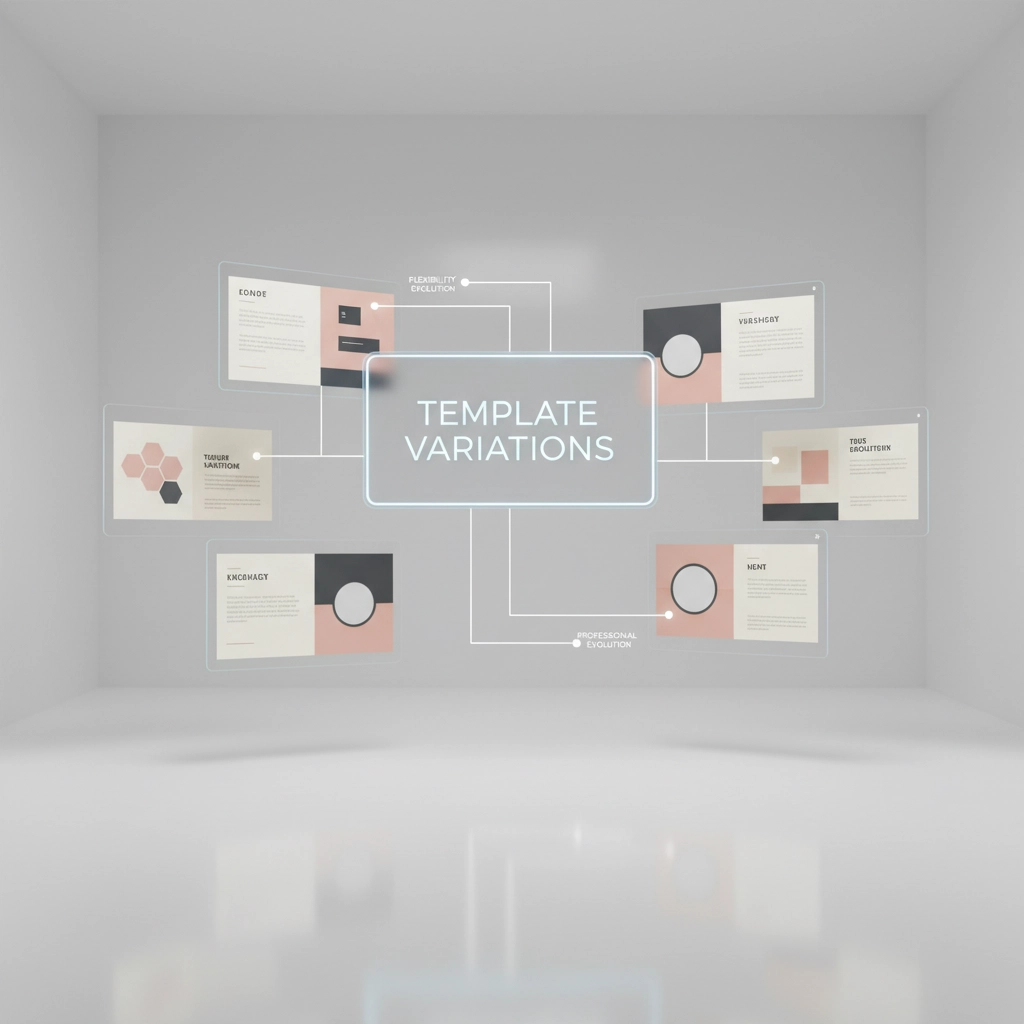
Create Template Variations
Consider creating different versions for different service levels. Your VIP clients might get a more comprehensive kit, while your starter package clients get a streamlined version. Both can use the same template base with different content.
Include Video Elements
Some template bundles include space for video thumbnails or QR codes. A 2-minute welcome video from you can add such a personal touch and help clients feel immediately connected.
Think Mobile-Friendly
While landscape orientation works great for desktop viewing, consider how your kit looks on mobile devices too. Your clients might be reviewing it on their phones, so make sure the text is readable and the layout still makes sense.
Plan for Updates
Choose templates that are easy to update as your business grows. You'll want to refresh your onboarding kit periodically, and starting with a flexible template makes this much easier.
Making It Sustainable
The beauty of this system is that once it's set up, you're done. Every new client gets the same professional, branded experience without you having to recreate anything from scratch.
Store your completed template in an easily accessible folder in Canva, and consider creating a simple checklist for yourself about customizing client names or project-specific details. This ensures consistency while still allowing for personalization when needed.
Your Onboarding Kit as a Reflection of Your Values
Remember, this isn't just about efficiency: though that's certainly a bonus. Your onboarding kit is a reflection of how you show up in your business and for your clients. When you take the time to create something thoughtful, branded, and helpful, you're modeling the kind of intentional, professional experience your clients can expect throughout your work together.
It's about creating that feeling of "I'm in the right place with the right person" from the very beginning. That confidence and clarity you provide in those first interactions? It sets the stage for everything that comes after.
Ready to Create Your 5-Minute Onboarding Kit?
You don't need to be a designer, a tech wizard, or have hours of free time. You just need the right template, your brand elements ready to go, and 5 minutes of focused time.
The next client who lands in your inbox deserves to feel welcomed, organized, and excited about working with you. More importantly, you deserve to feel confident and prepared every single time you bring on someone new.
Your onboarding experience is often the first real glimpse clients get into how you operate. Make it count, make it yours, and make it something you're proud to share. Because when you show up intentionally from day one, everything else becomes so much easier.
Ready to transform those new client nerves into new client excitement? Your 5-minute onboarding kit is waiting to be created.


